racecar 开源项目,修改使用仿真测试
| src | ||
| .gitignore | ||
| README.md | ||

racecar_ws explain
Gazebo 3D simulator example of ROS tutorials (version: melodic)
Tested on Ubuntu 18.04
Getting Started
Save the world map
- git clone
git clone https://git.toluckykoi.com/ROS_Robot/racecar_ws.git
- Dependencies and build
cd racecar_ws
./src/racecar_gazebo/scripts/install_for_env.sh

catkin_make
- Start the gazebo map
roslaunch racecar_gazebo racecar_runway.launch

You should download the gazebo models or the map won't work.
git clone https://git.toluckykoi.com/ROS_Robot/gazebo_models.git ~/.gazebo/models
- Open a new terminal and start rviz
roslaunch racecar_gazebo slam_gmapping.launch
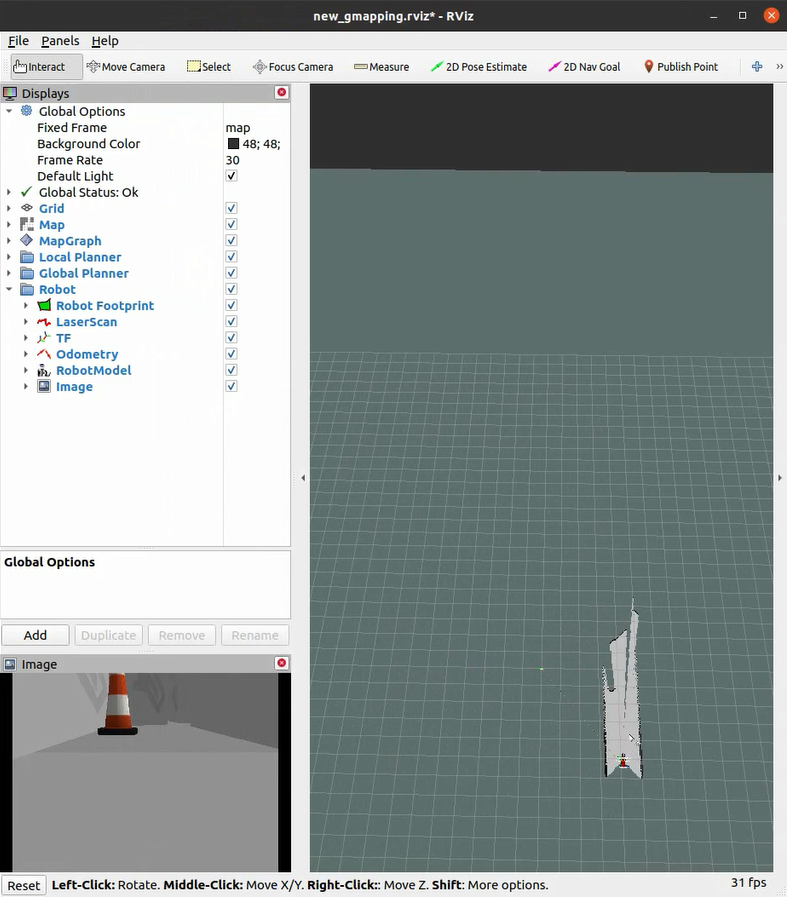
Control the car with WASD keys and draw the whole map.
- Save the map
rosrun map_server map_saver -f ~/racecar_ws/src/racecar/racecar_gazebo/map/map_runway
Path planning and automatic navigation
- Start navigation and the gazebo map
roslaunch racecar_gazebo racecar_runway_navigation.launch
- Start rviz
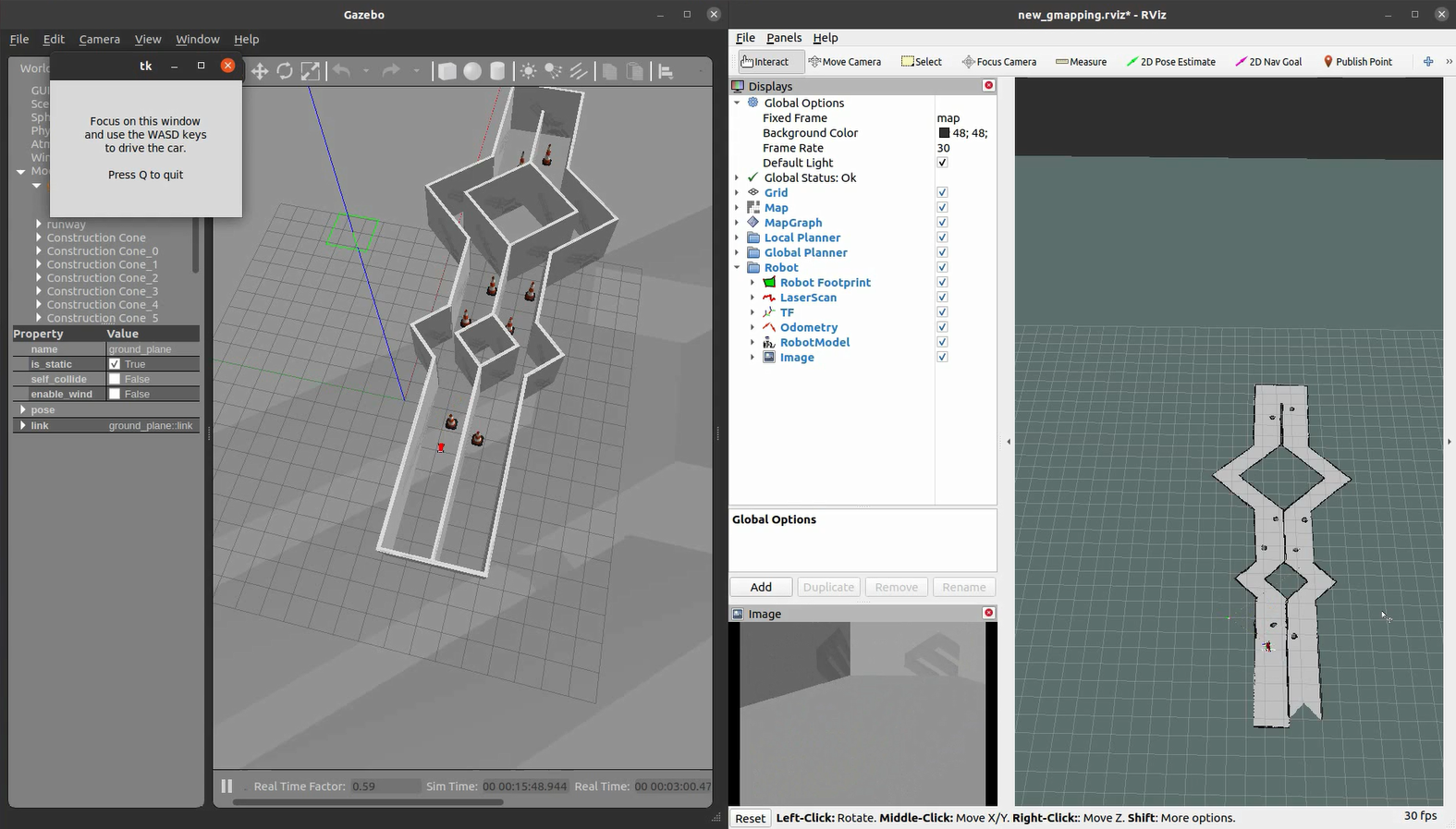
roslaunch racecar_gazebo racecar_rviz.launch
-
Click
2D Nav Goalthen click the goal on the rviz map (hold down the cursor to set the goal pose) -
Start the navigation script
rosrun racecar_gazebo path_pursuit.py

FAQ
Error: opencv not found
- find OpenCVConfig.cmake
sudo apt install locate
sudo updatedb
locate OpenCVConfig.cmake
- edit CMakeLists.txt and replace OpenCV_DIR with the correct OpenCV path replace this line
set(OpenCV_DIR /opt/ros/kinetic/share/OpenCV-3.3.1-dev/)
with the correct OpenCV path