
6.2 KiB
ROS Qt Deskotp GUI App
简体中文 | English
-
Use qt5 to implement the ros robot human-machine interface
-
Attention! This code is for learning purposes only and cannot be used for any other purpose without the author's permission.
-
Continuously updating.....
-
Welcome to submit bugs in issues
Branch
1.Kinetic version branch(Branches are merged)
2. Qml version branch(To be perfected)
-
The interface is more beautiful, the function is simple, can be used as a robot on-board display
3. Lite branch
-
This version is the implementation of the 《ROS Human-Computer Interactive Software Development》 series of courses, the basic functions of master branch, the code is easy to understand
4. Windows version branch
5,rviz menu tree branch
-
Use the menu tree that rviz brings with you to add display layers instead of manually creating layer menus and displays.
-
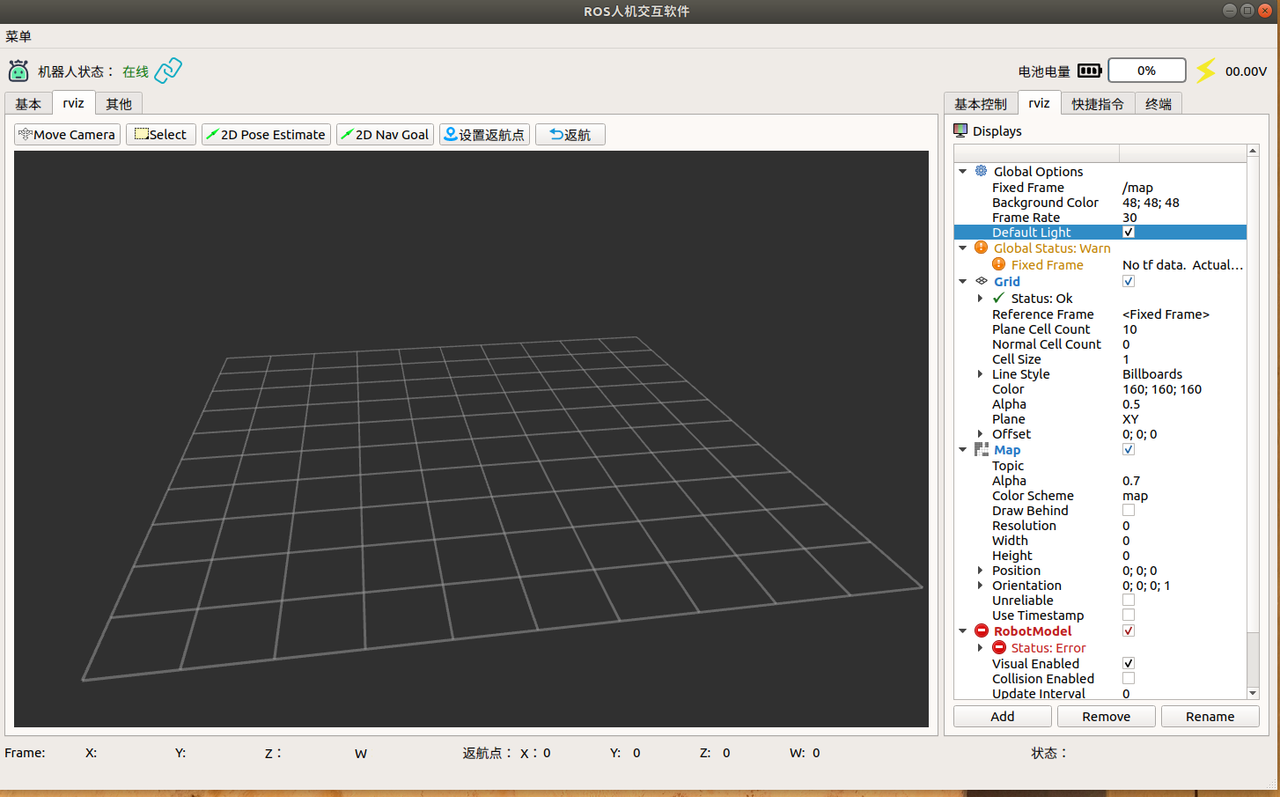
一,Features
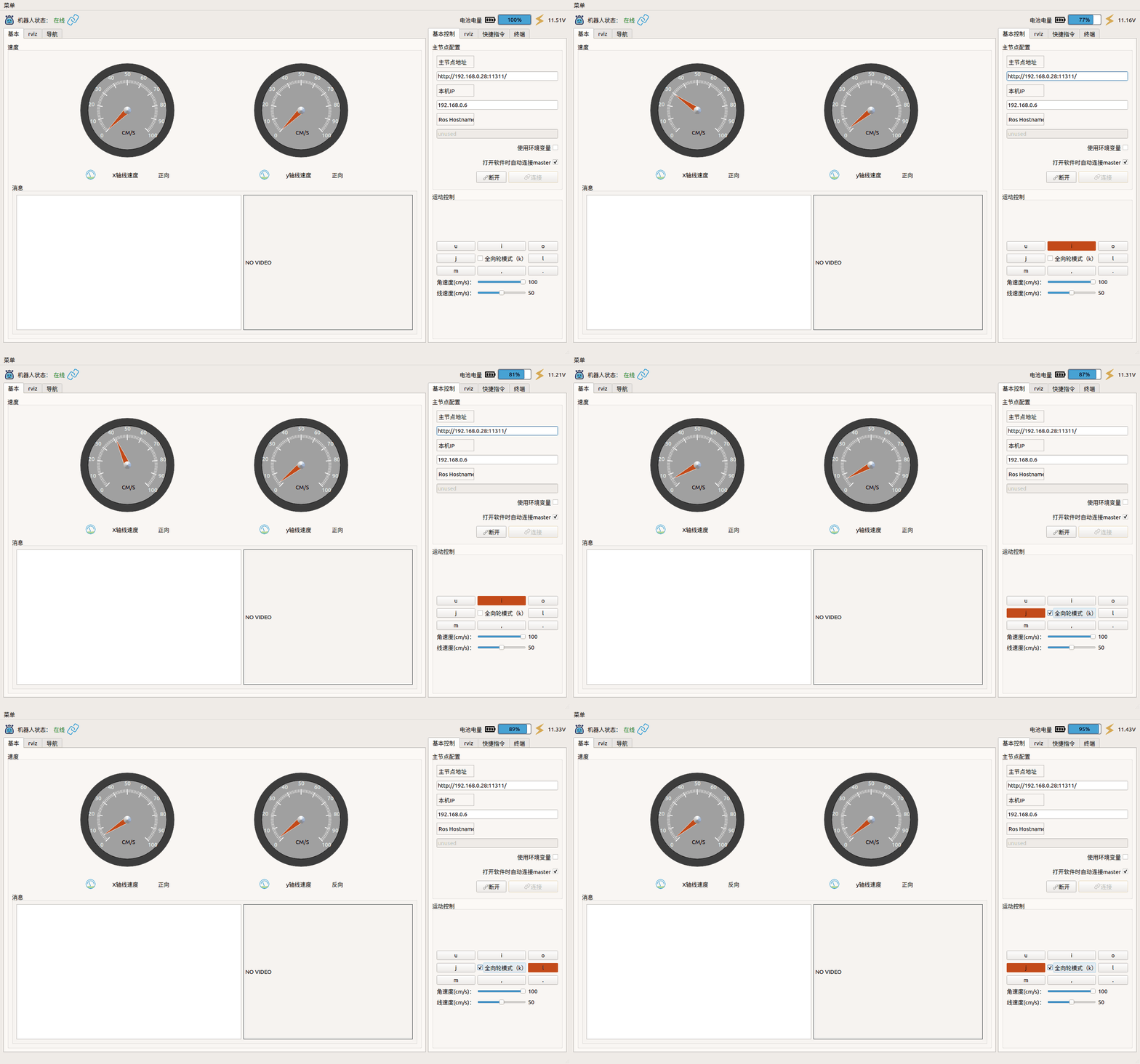
1,Speed dashboard
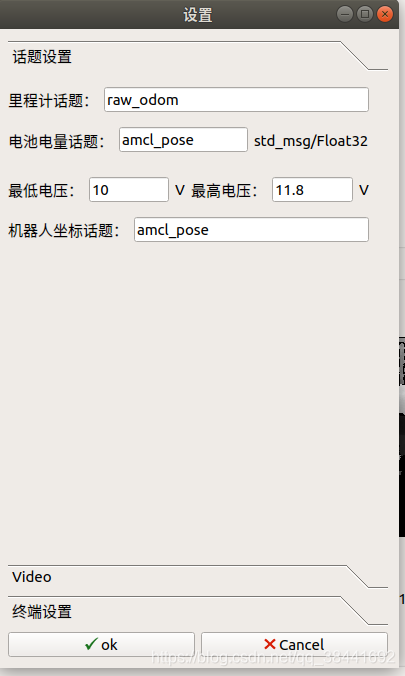
- Before use, you must set the odom topic in the menu-settings-and-topic settings:
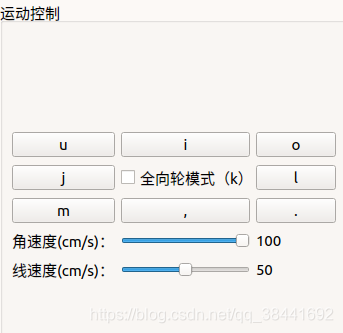
2,Robot speed control
3,Power display
- Before use, you must set the power topic(Std_msg/Float32) in the menu-settings-and-topic settings
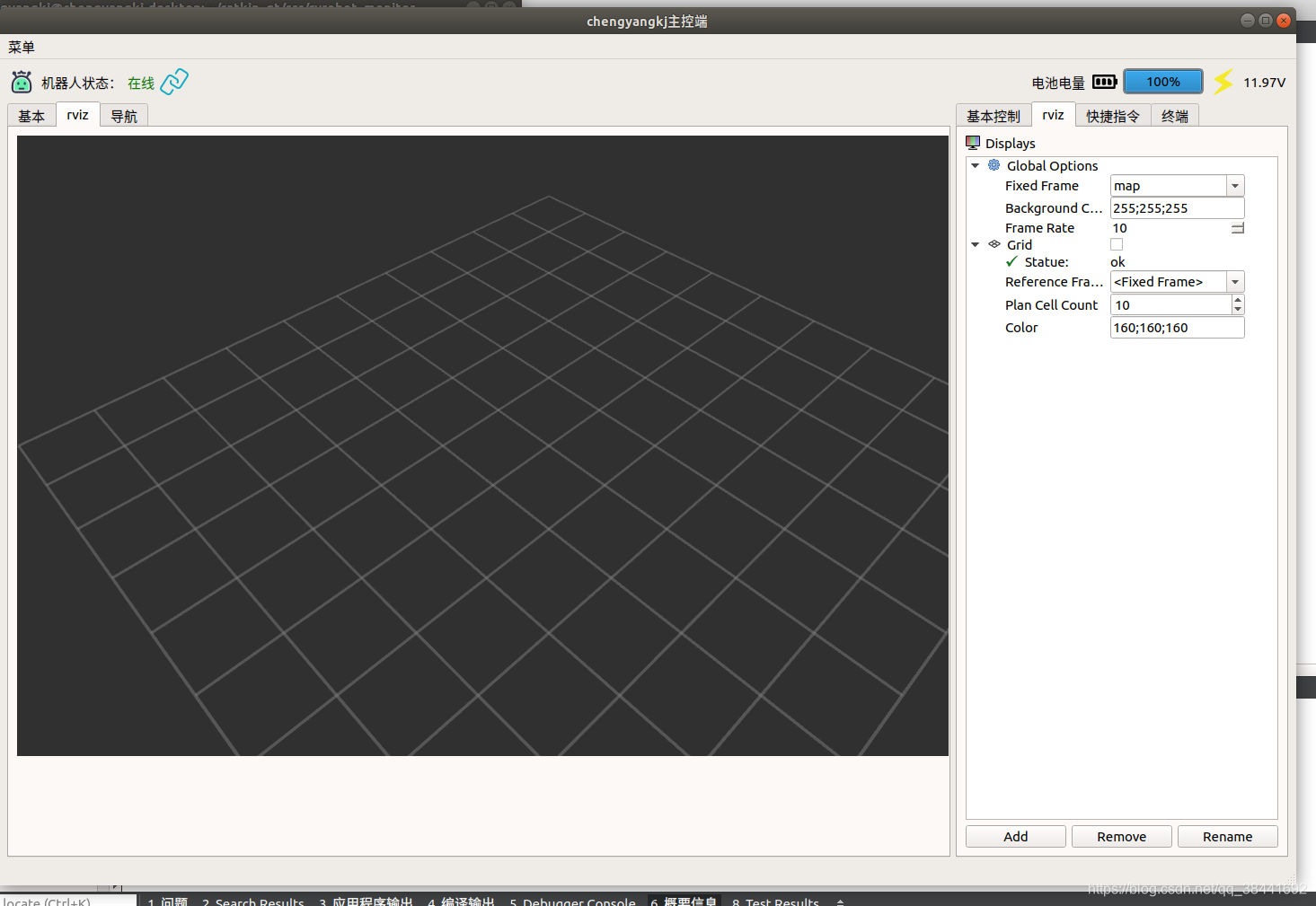
4,rviz module
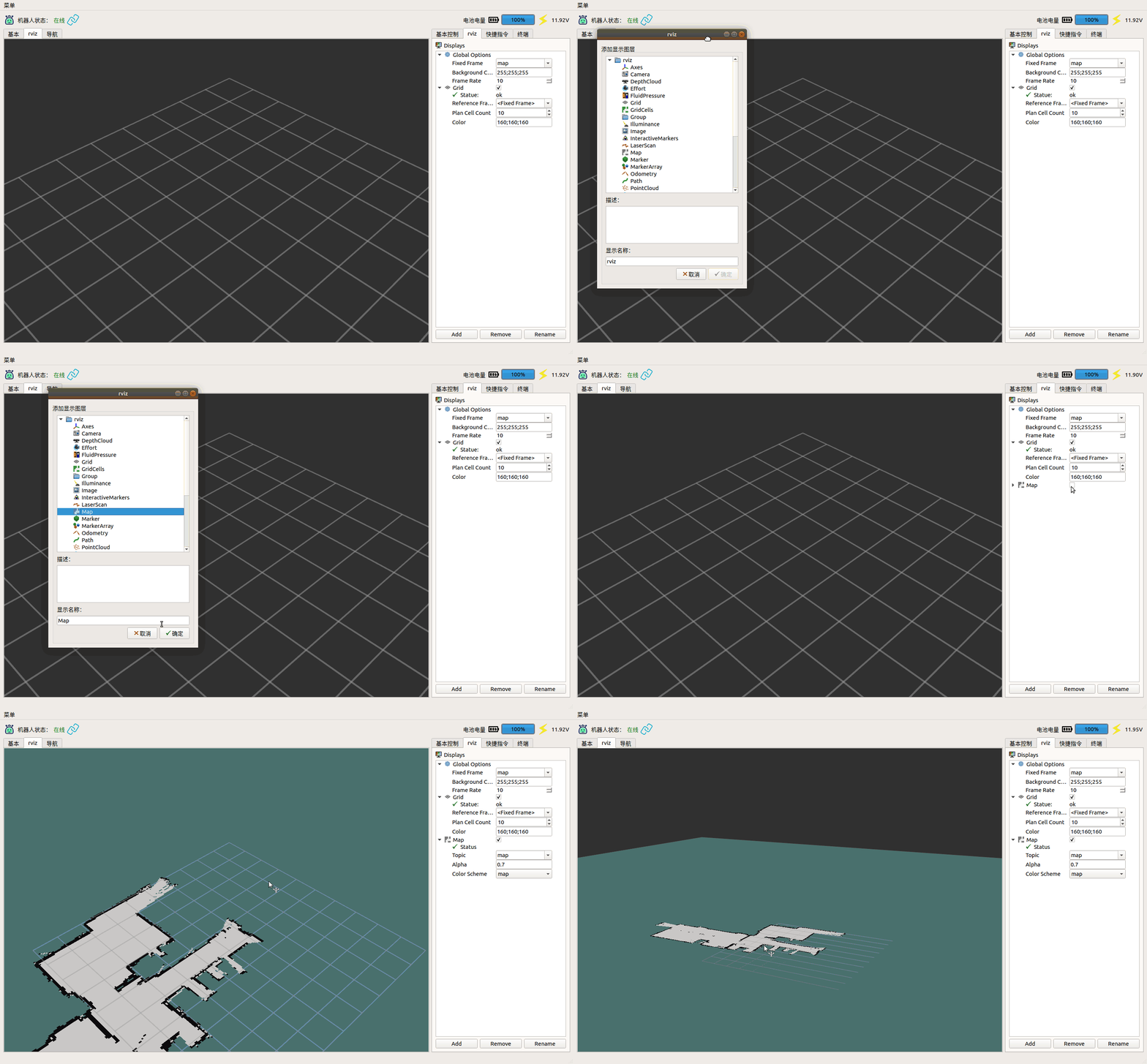
4.1 Subscribe to map topics
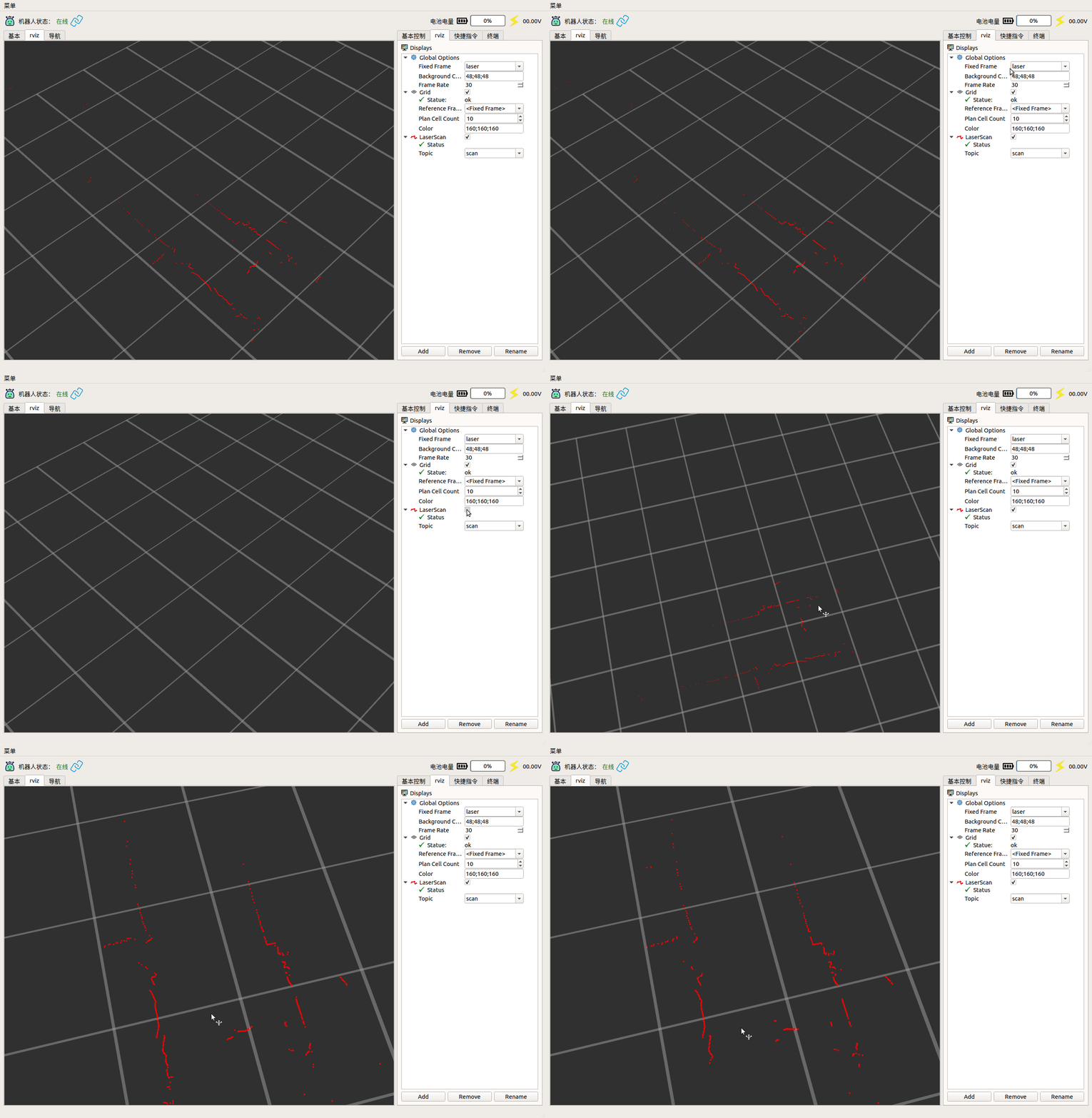
4.2 Laser Display
4.3 Set the initial point of navigation

4.4 Set up navigation target points
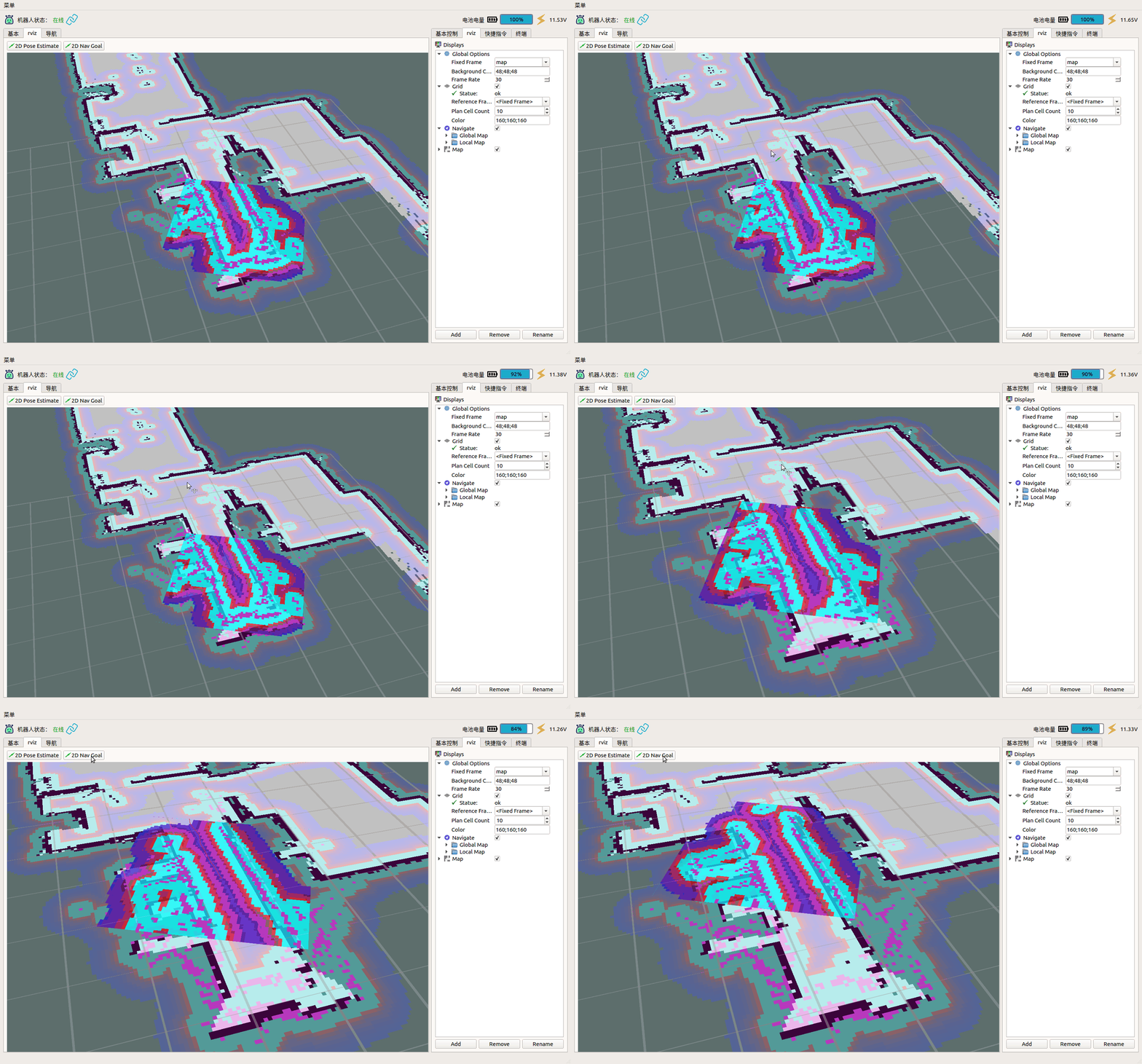
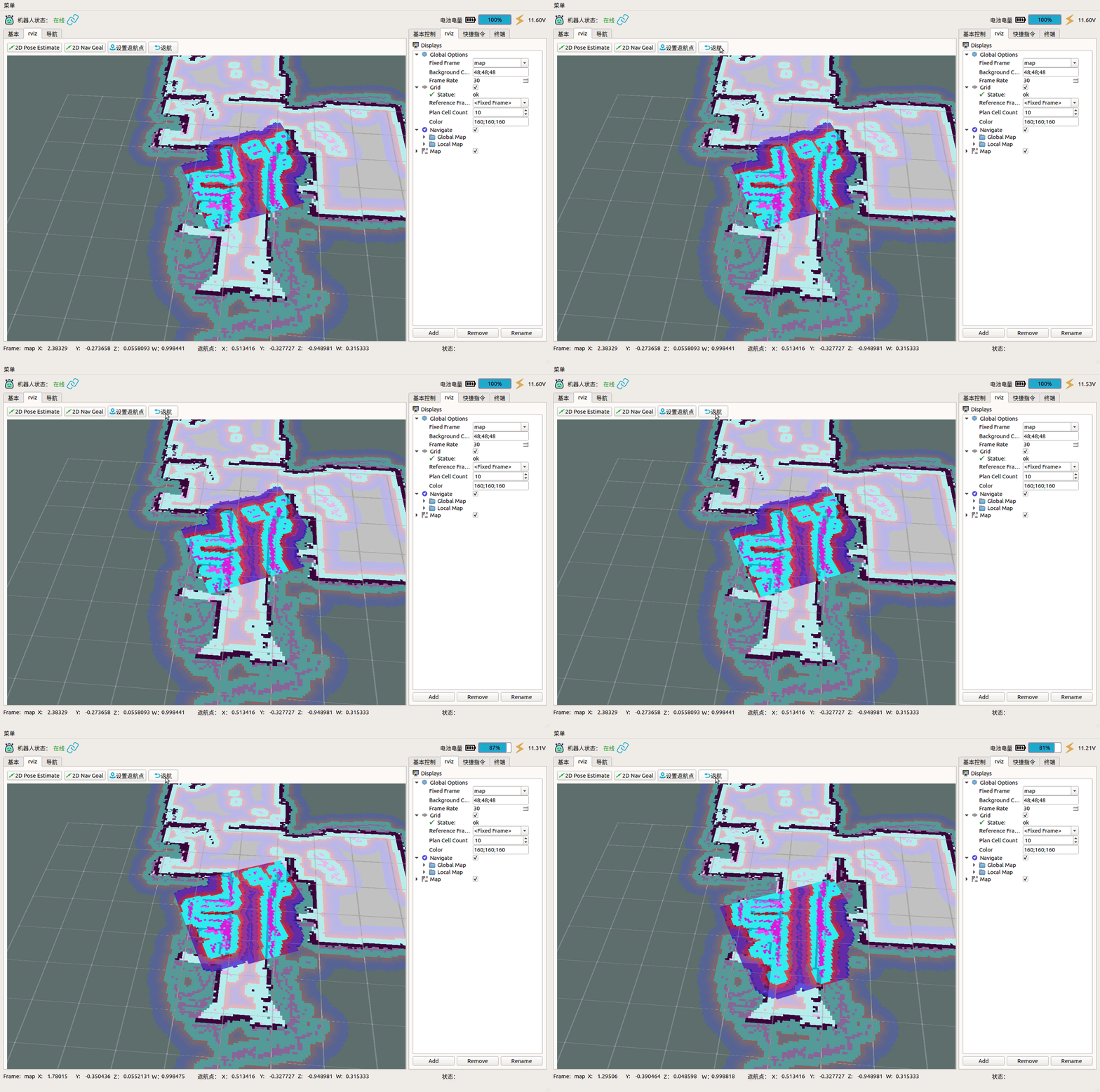
4.5 Fixed-point return
- Before use, you must set the amcl topic in the menu-settings-and-topic settings
- 使用前须在菜单->设置->话题设置中设置amcl话题
4.6 Subscribe to image topics
- Provides four image display forms that can display four images at the same time
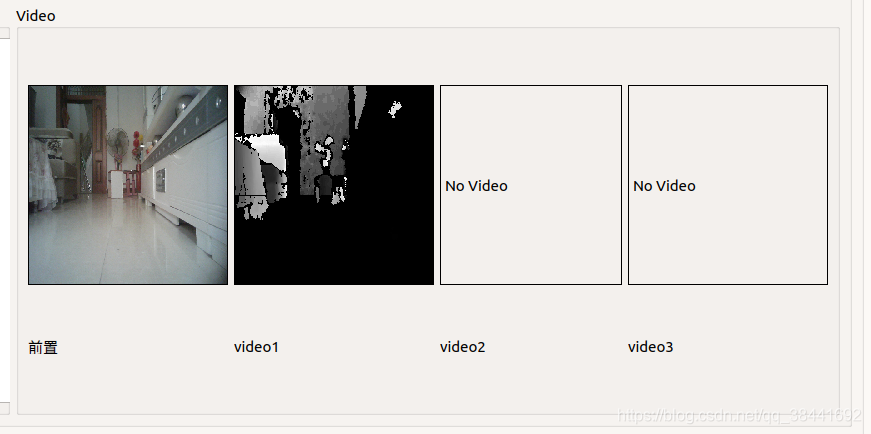
- Before use, you need to set the topic and image encoding of the image in the menu->settings->-video (the encoding must be correctly set, otherwise the image will not be displayed correctly). When setting the error, the prompt for coding the wrong is output in info, and the correct encoding is set according to the prompt)
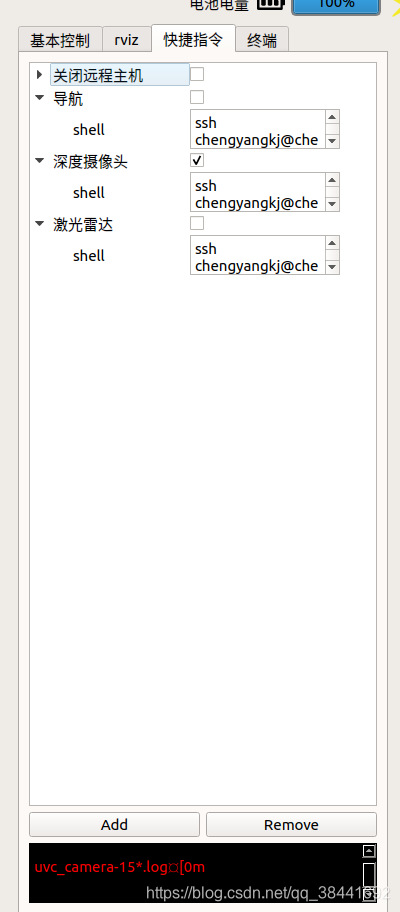
4.7 Quick instructions
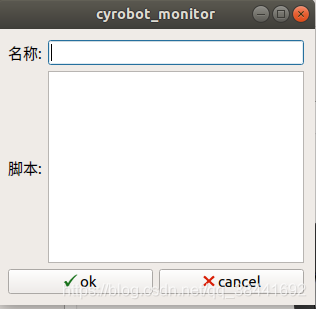
4.8 Display RobotModel
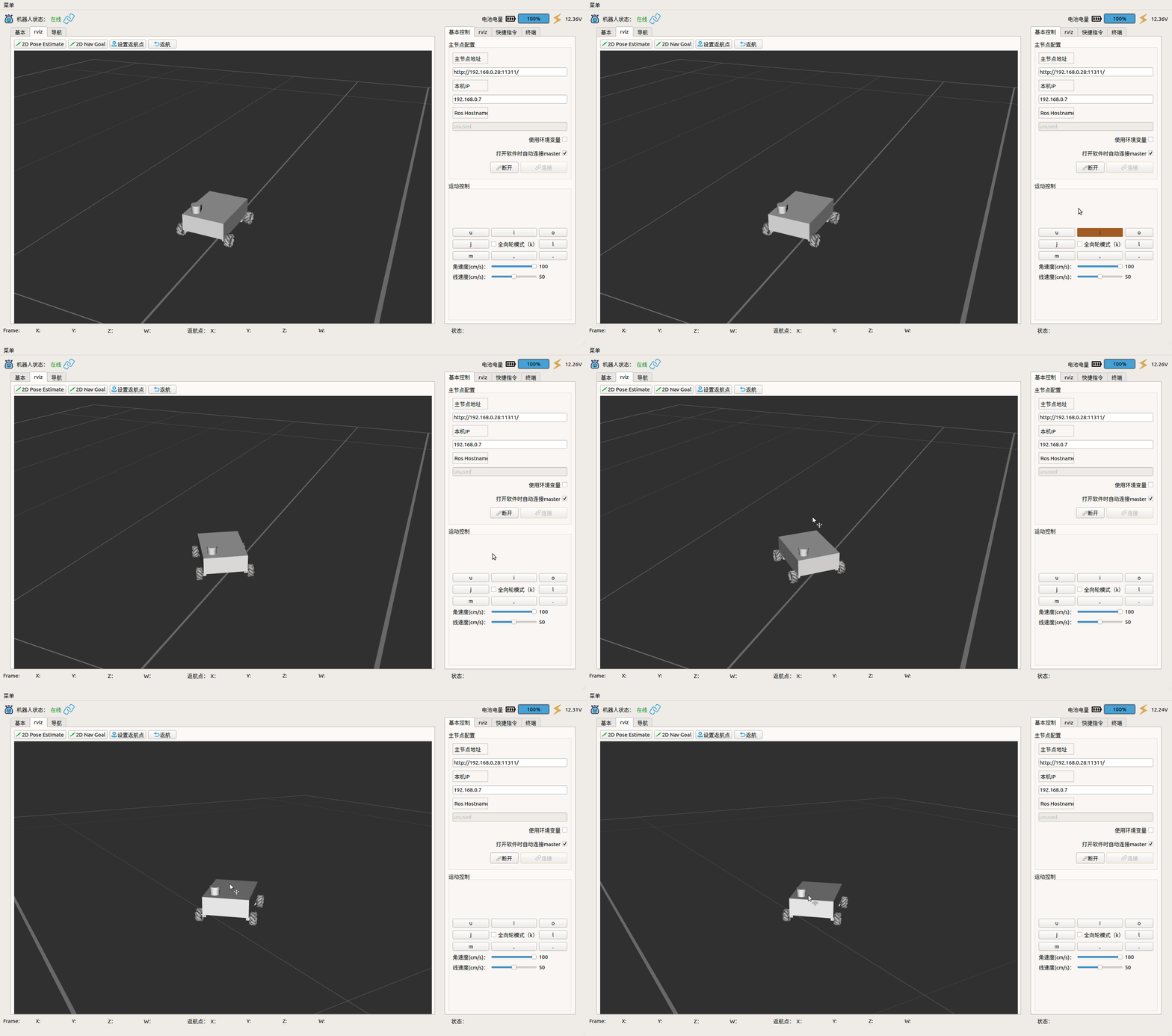
4.9 Available in six rviz tools

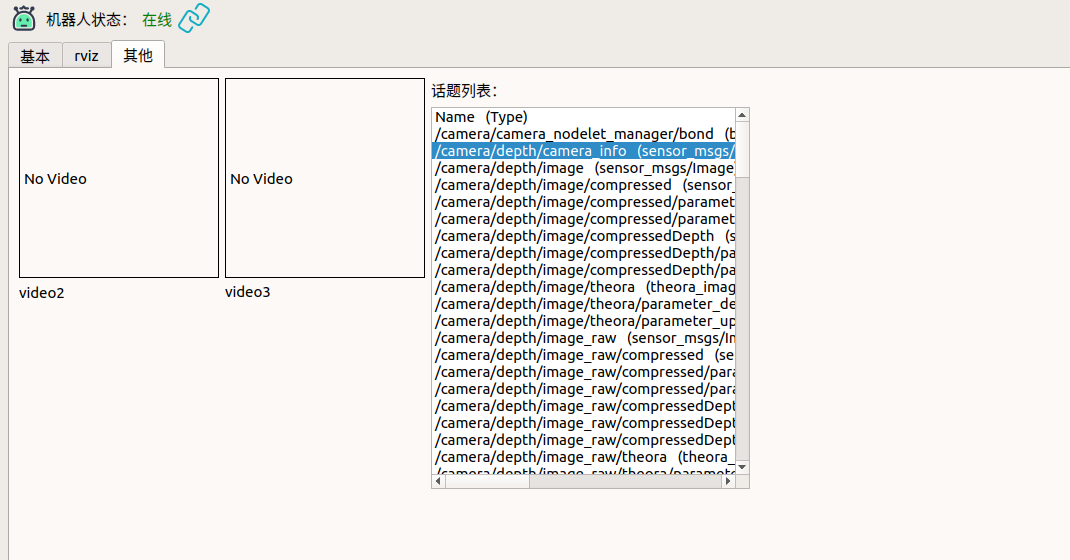
4.10 Show The Topic List
4.11 To be perfected....
二,Installation tutorial
1,first install ros support for qt pkg
sudo apt-get install ros-melodic-qt-create
sudo apt-get install ros-melodic-qt-build
sudo apt-get install qtmultimedia5-dev
2,Compile
Put the package in the ros src package directory:
catkin_make
3,run
rosrun cyrobot_monitor cyrobot_monitor
LIENSE
GNU GPL
- As long as the software contains products or code that follow this Agreement, the software must also comply with the GPL License Agreement, i.e. it must be open source free, not charged from a closed source, and not commercial software.
Key features of GPL open source protocol
-
Copy Freedom allows software to be copied to anyone's computer without limiting the number of copies.
-
Freedom of communication Allows software to be disseminated in various forms.
-
Fee-based communication allows the software to be sold in a variety of media, but buyers must be made aware in advance that the software is free to be obtained;
-
Fee-based communication allows the software to be sold in a variety of media, but buyers must be made aware in advance that the software is free to be obtained; Freedom of modification allows developers to add or remove the functionality of the software, but the software must still be licensed on a GPL license agreement after modification.